Role
Product Designer
Responsibilities
Product design
Visual design
Project management
Writing
Square classically operated under empowering merchants to sell their goods through brick and mortar locations. As the user-base began to grow, there was a growing need to bring a merchant's goods online, tied directly to their inventory management.
This was my first project at Square with a rapid timeline to go live with a small, mainly remote team. The beta program focused on creating a simple, customized web editing UI while extending the product offering from basic items to donation campaigns and ticketed events.
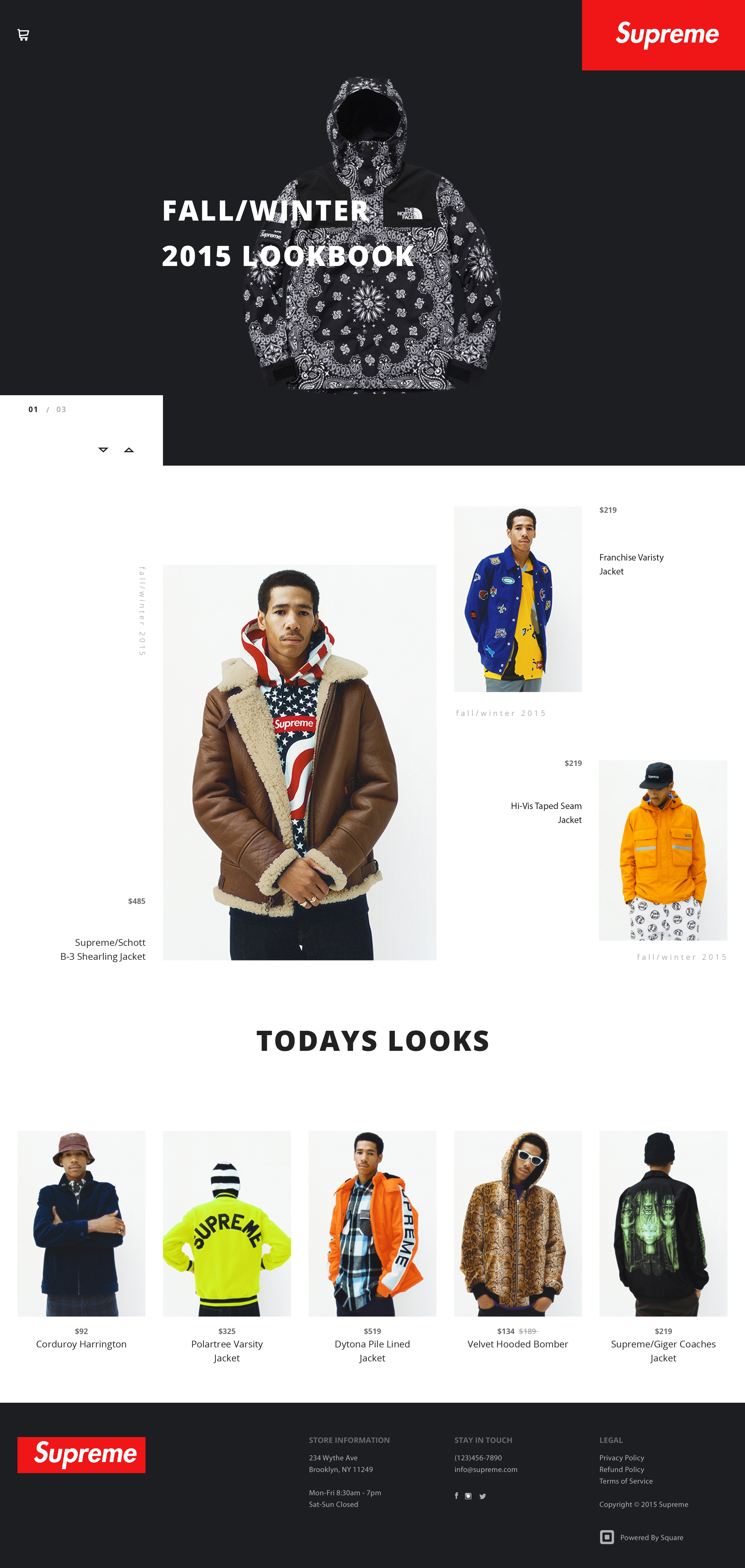
Context
Merchants were eager to reach more customers outside of their storefront and connect online.
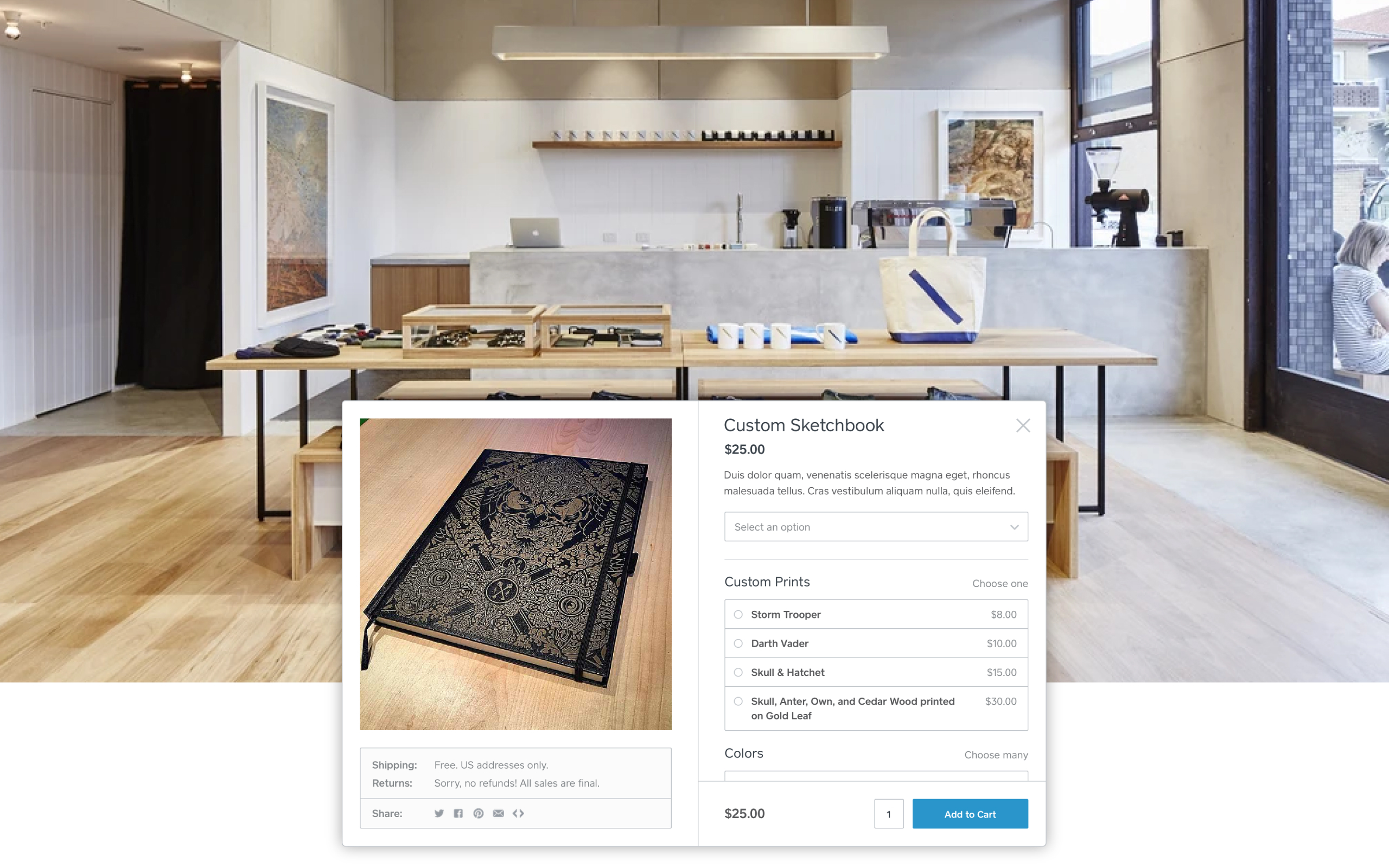
Based on internal research, we learned that merchants were looking to expand their reach in a financially responsible way. They wanted to set up an online presence without the hassle.
Research highlights
→ Seamless inventory integration
→ Manage events and donations
→ Customizable templates to suit a variety of needs
→ Low cost to get up and running
Challenges
Balancing technical constraints with ease of use.
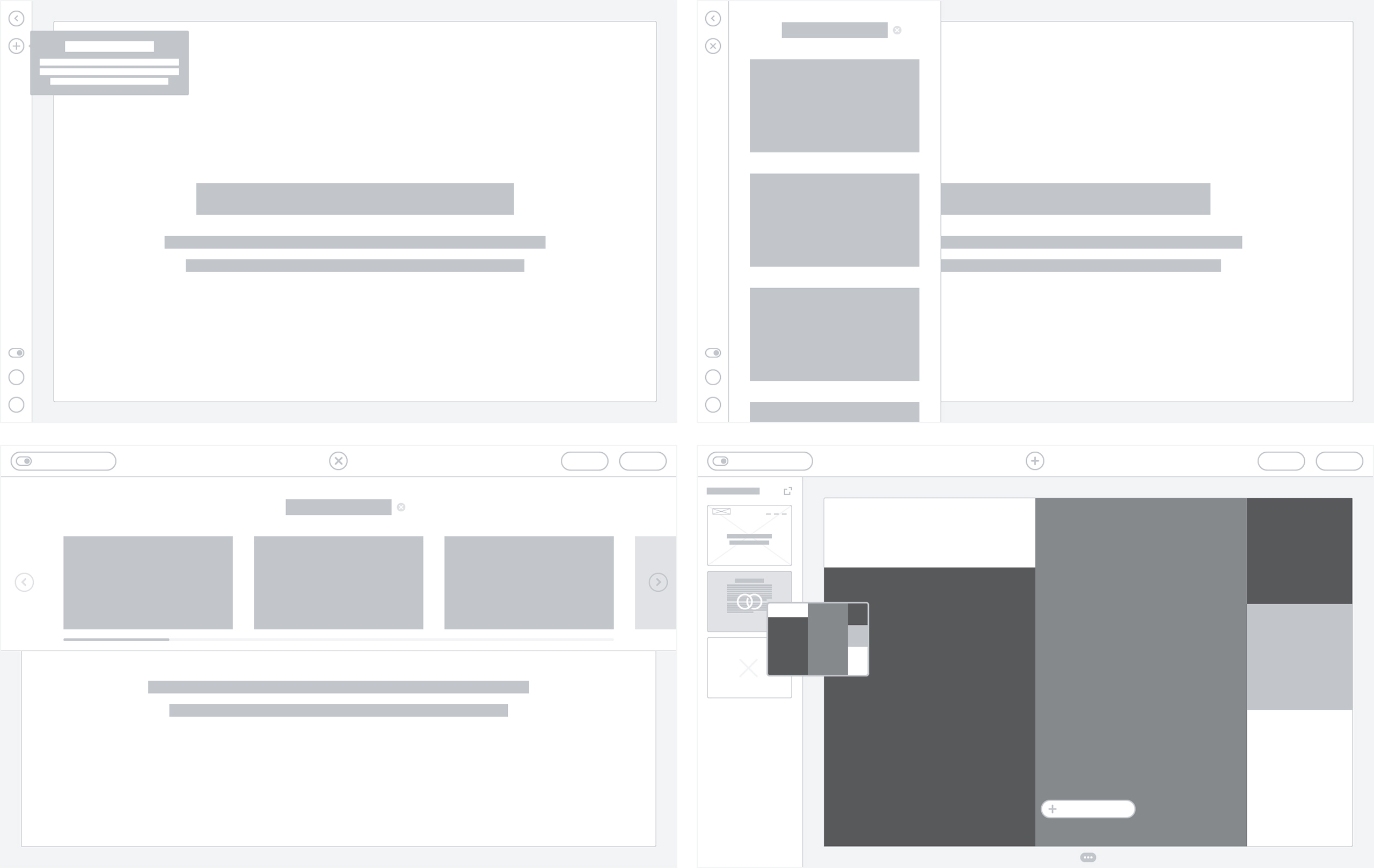
Merchants were looking for something that was easy to use as a majority were unfamiliar with web design and development. Naturally, I explored a "what you see is what you get" style UI.
Due to development constraints and the complexities built into the types of items merchants wanted to sell, in-page editing became the more usable approach.
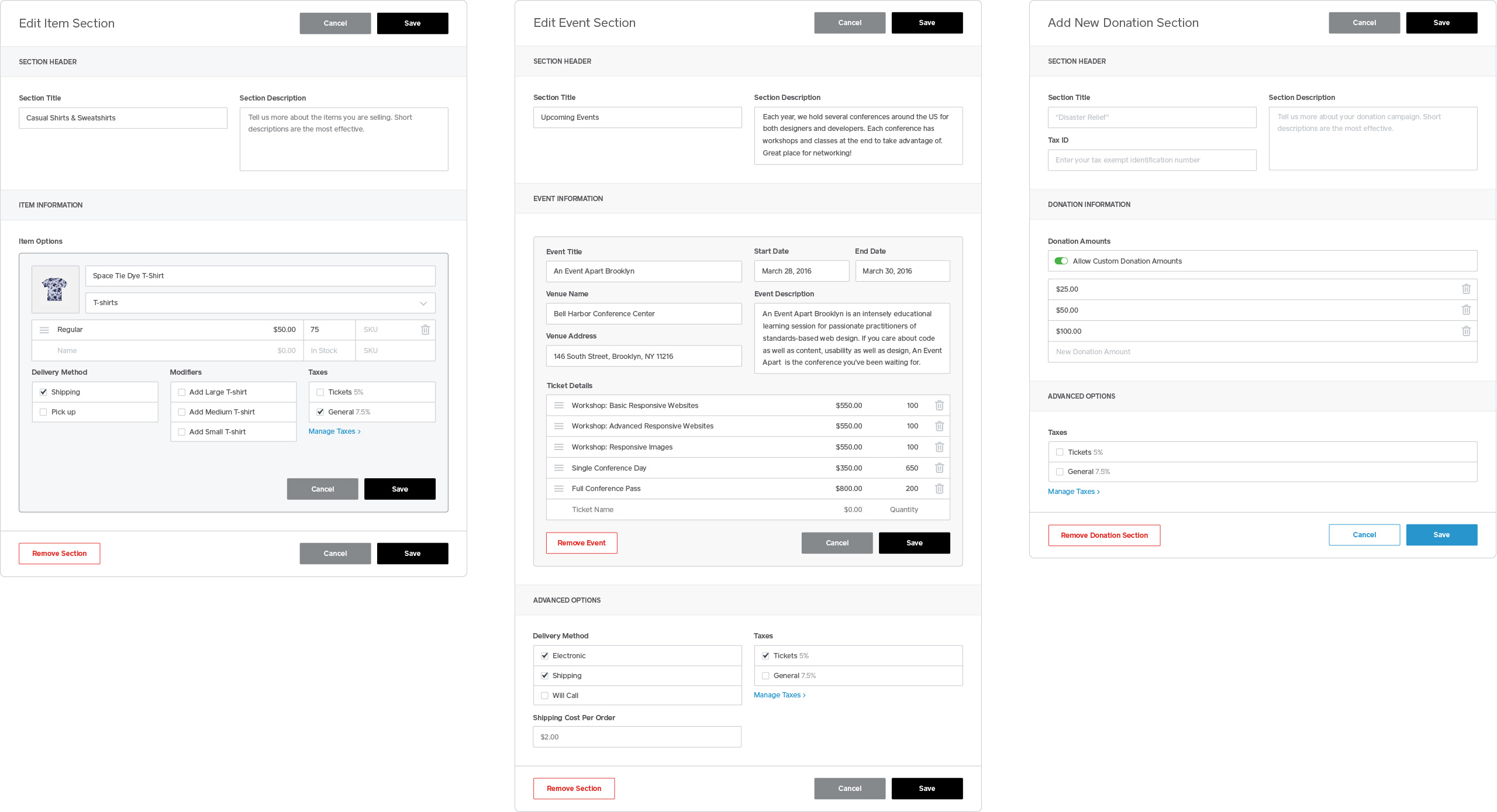
Items
Merchants were selling their standard inventory in store, but wanted to make it available online.
Events
Merchants were teaching classes or hosting guest speakers, but selling them as generic items unassociated to event information.
Donations
Merchants were holding fundraisers, but had no real way to capture Tax IDs.
Outcome
A customizable template ecosystem to get merchants started with eCommerce — from inventory management to order fulfillment.
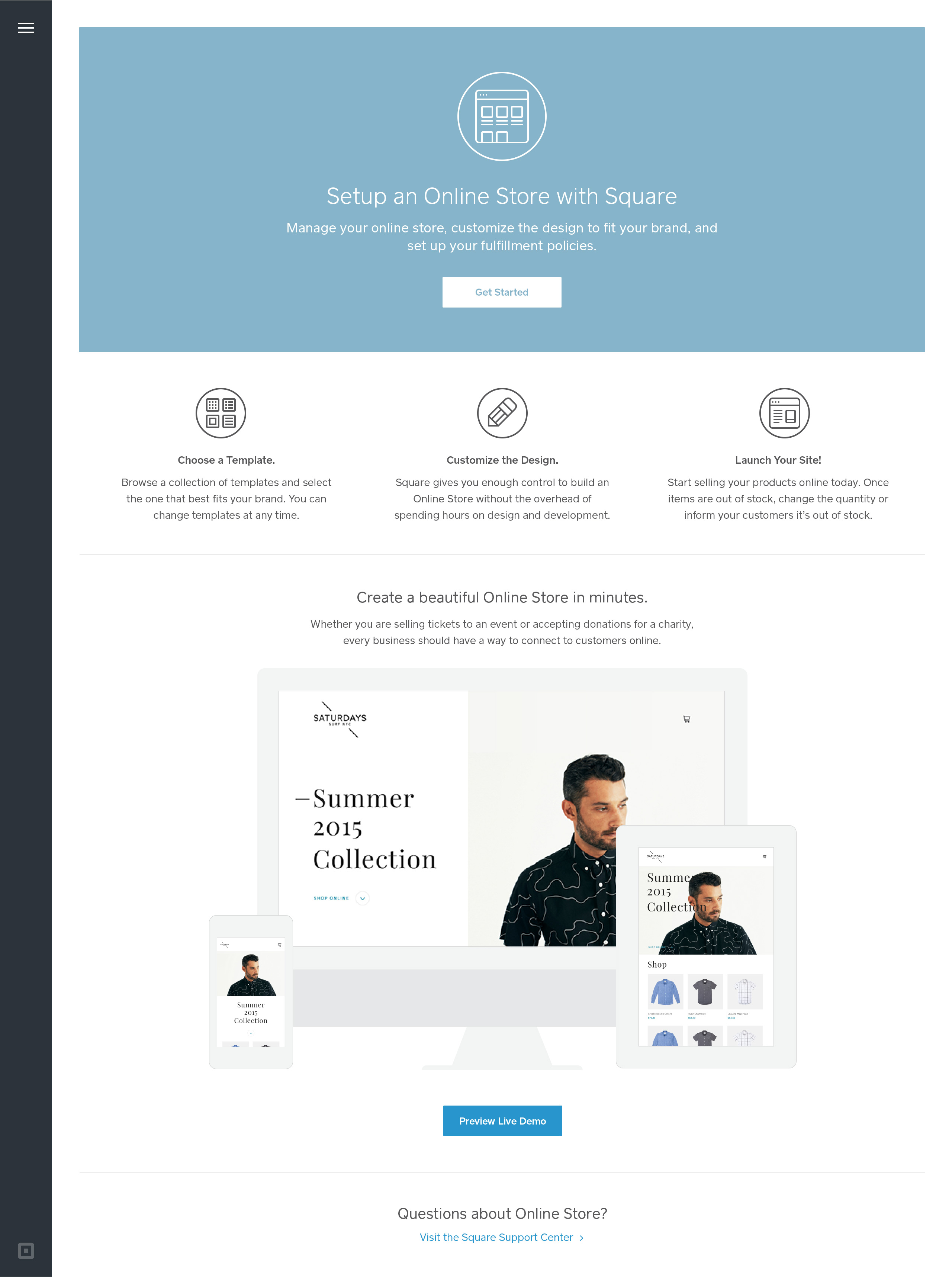
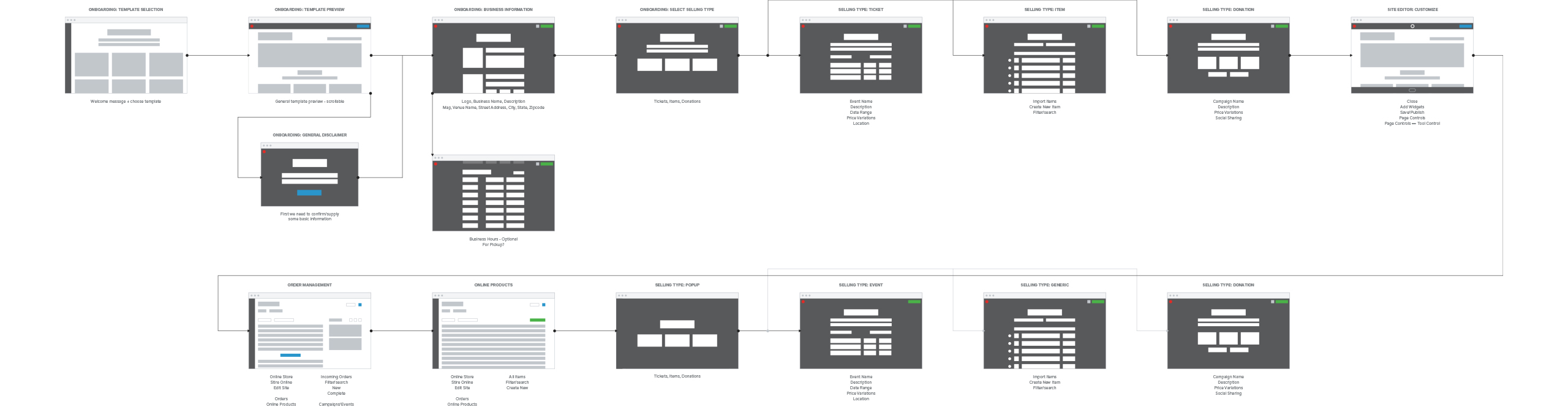
Onboarding
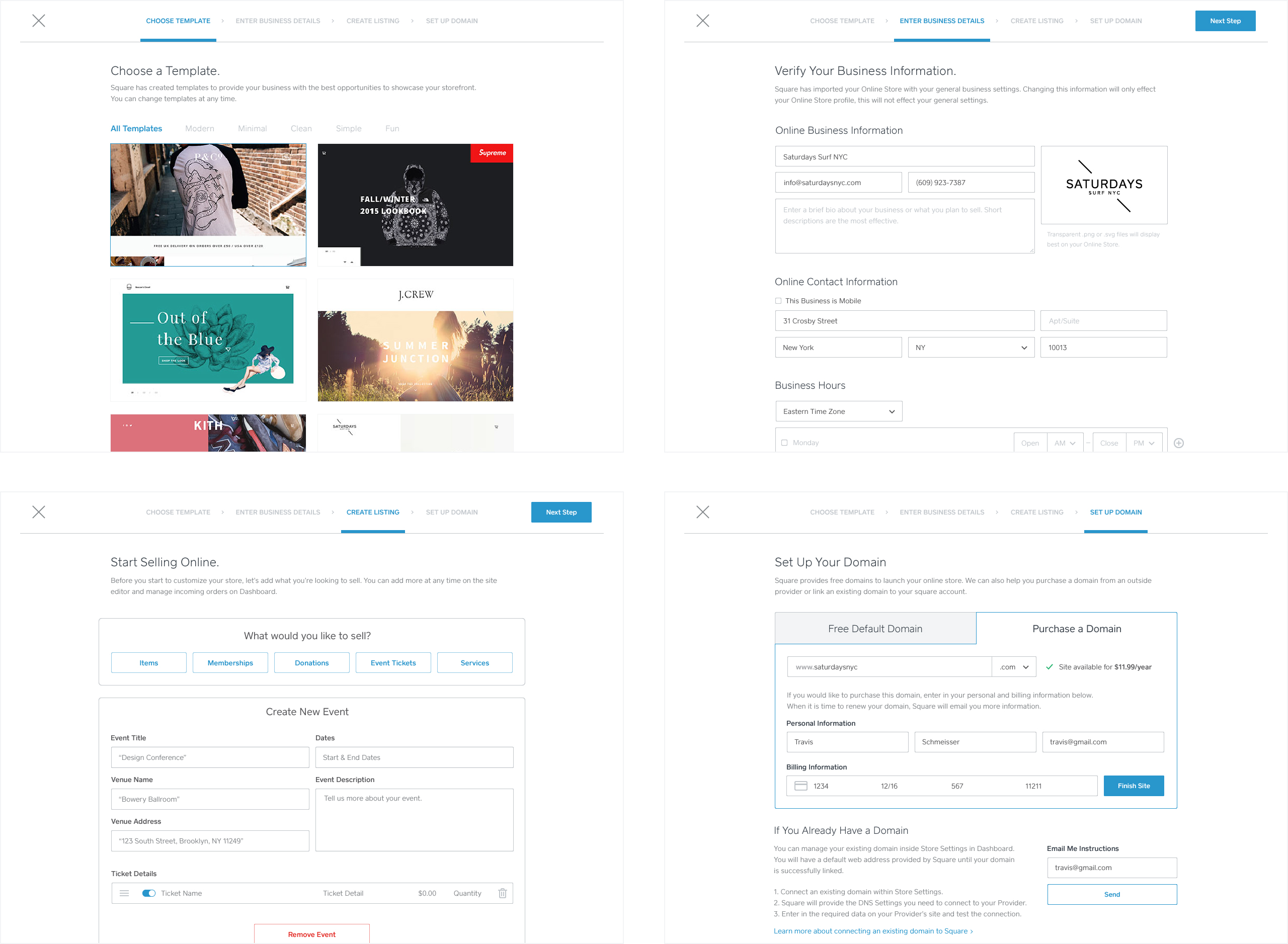
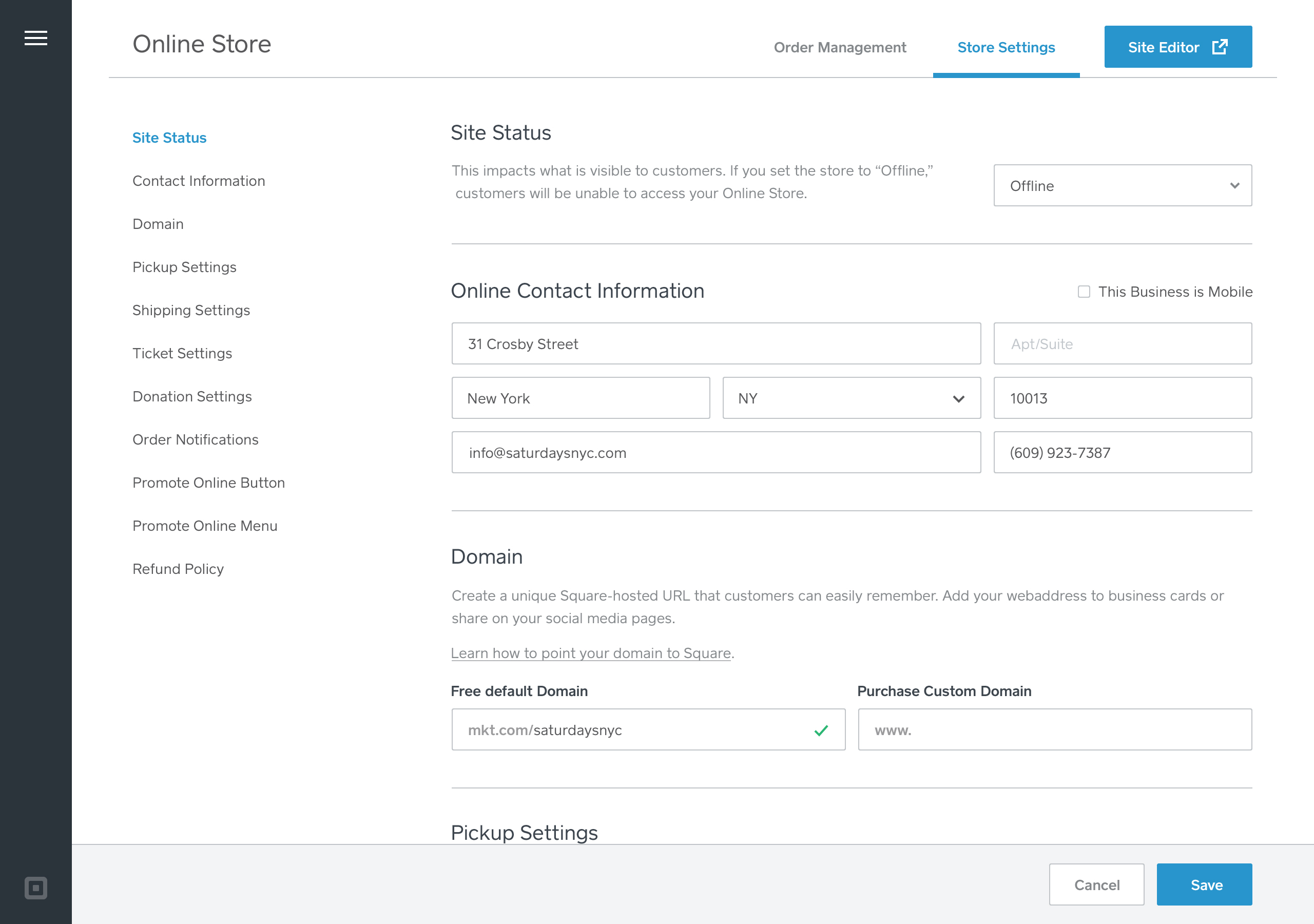
It can be daunting to a merchant to add their entire inventory during an onboarding moment. The approach here was to simply introduce a merchant to the system by selecting a general page layout that fits their brand, verify their business details, add a few items from their inventory, and set up a domain.
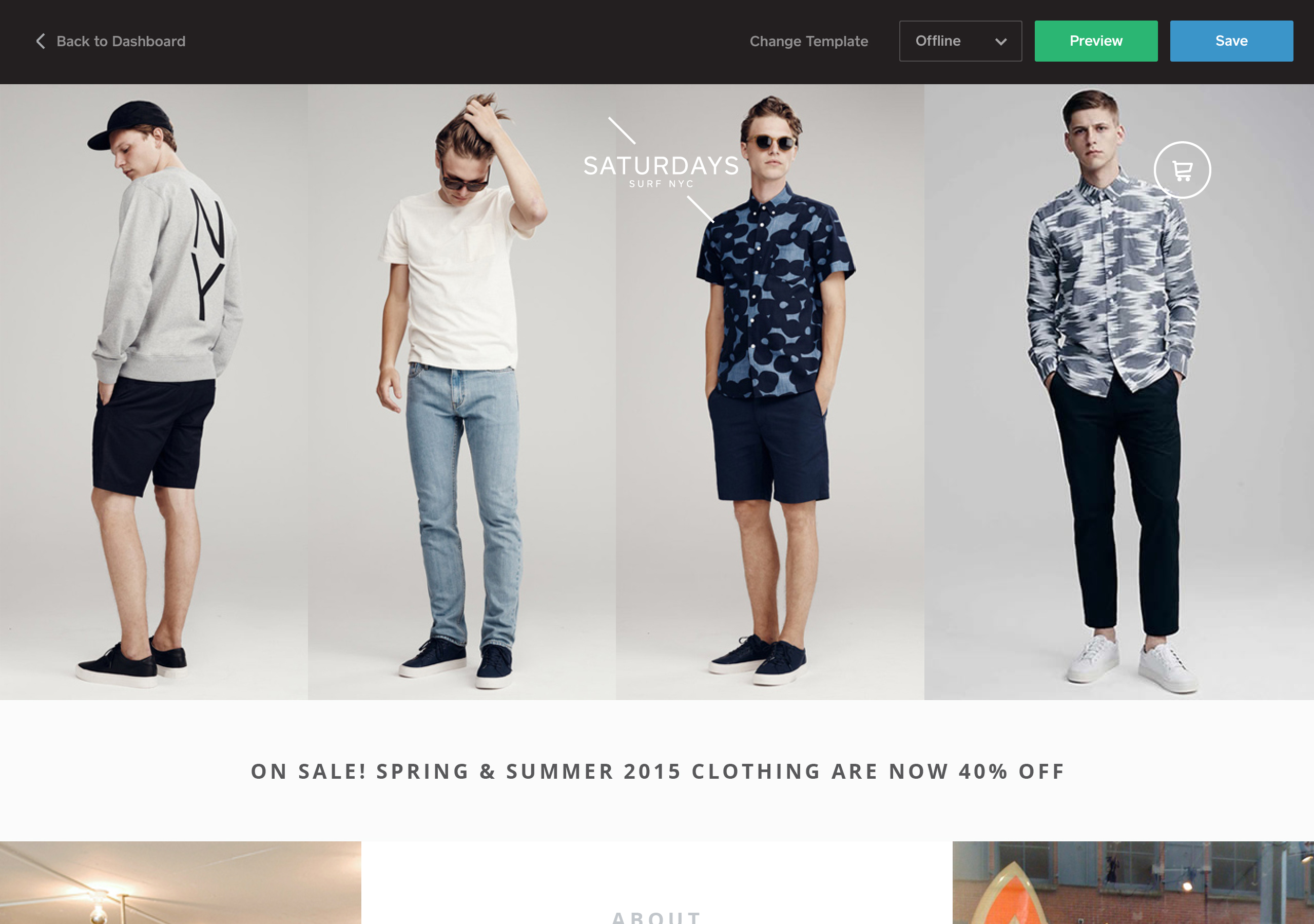
Templates
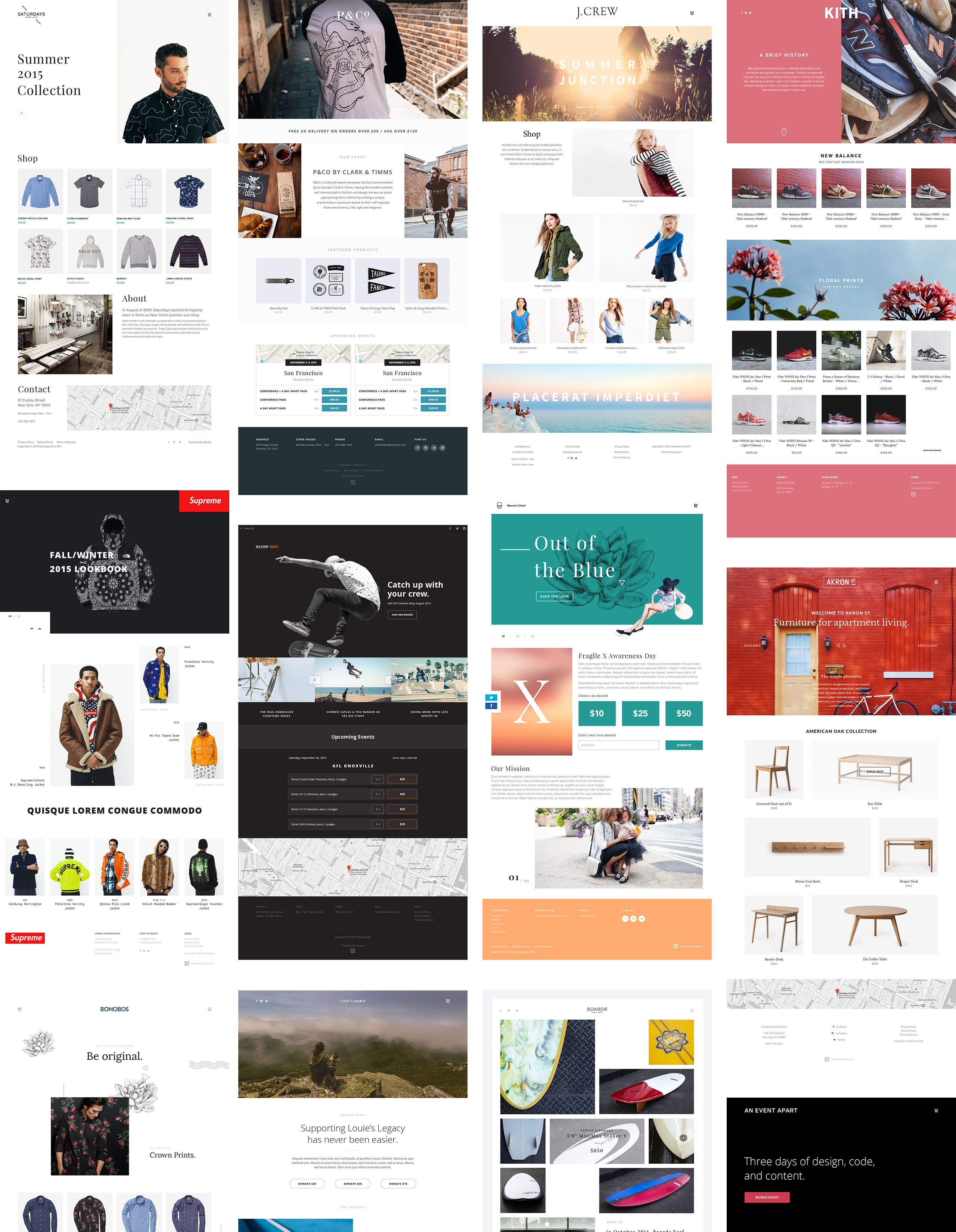
Merchants have different brand aesthetics and we needed to cater to a variety of needs. Templates are a great way to get folks started while empowering their brand to shine.
I created around ten different templates to start, however, we launched the beta with three. The goal was to create a system around how the different item types could appear, agnostic of a theme.
Item management
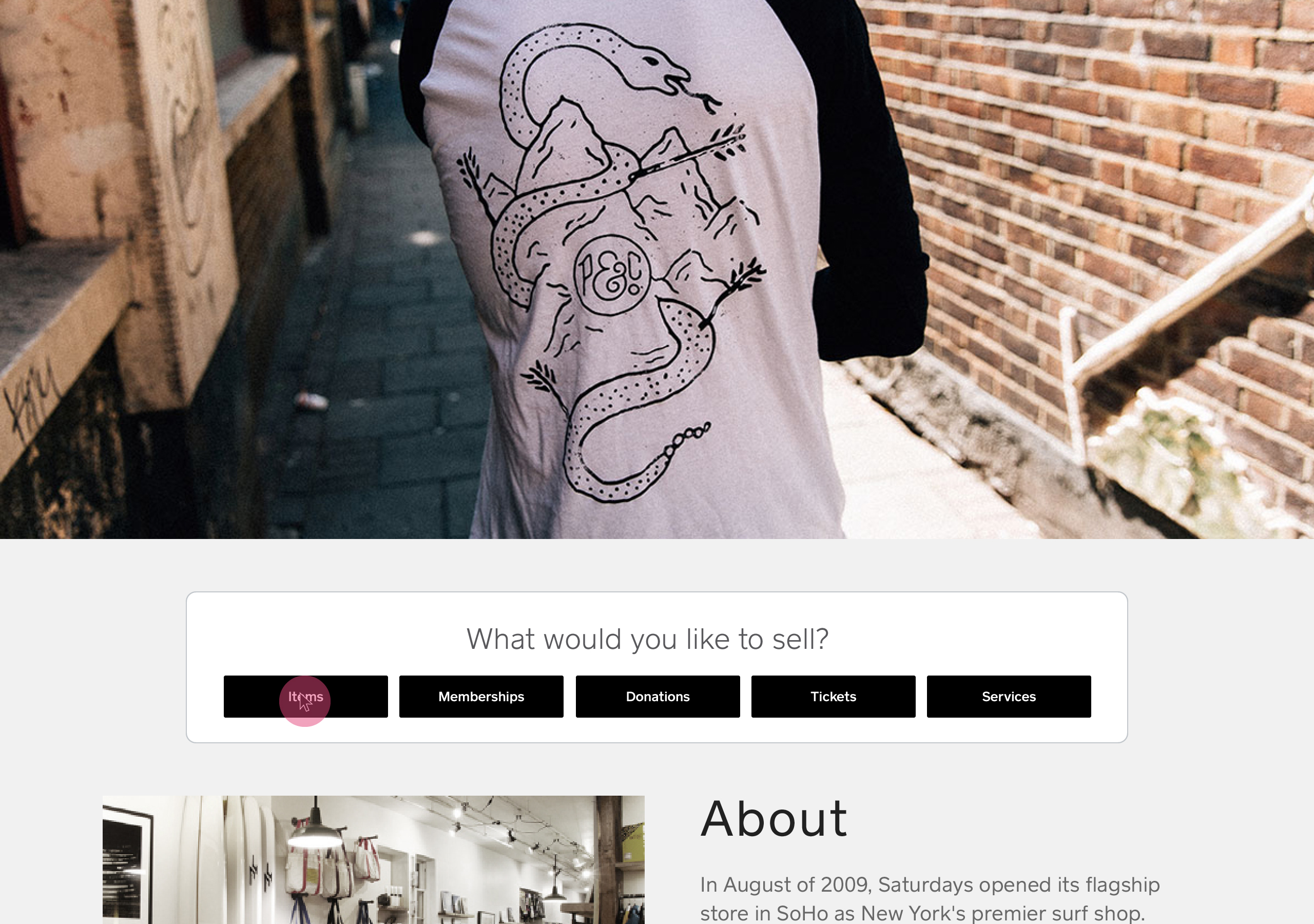
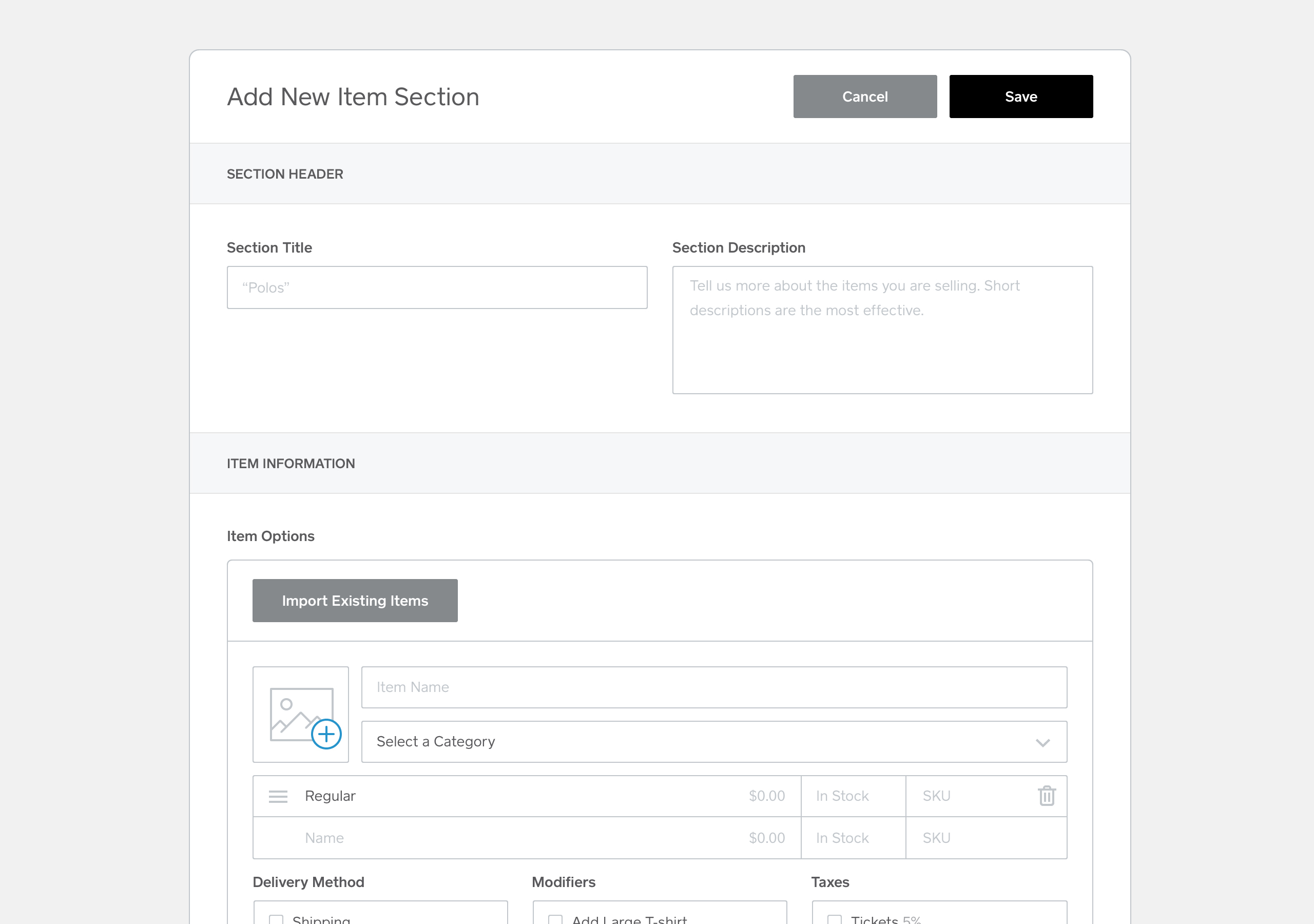
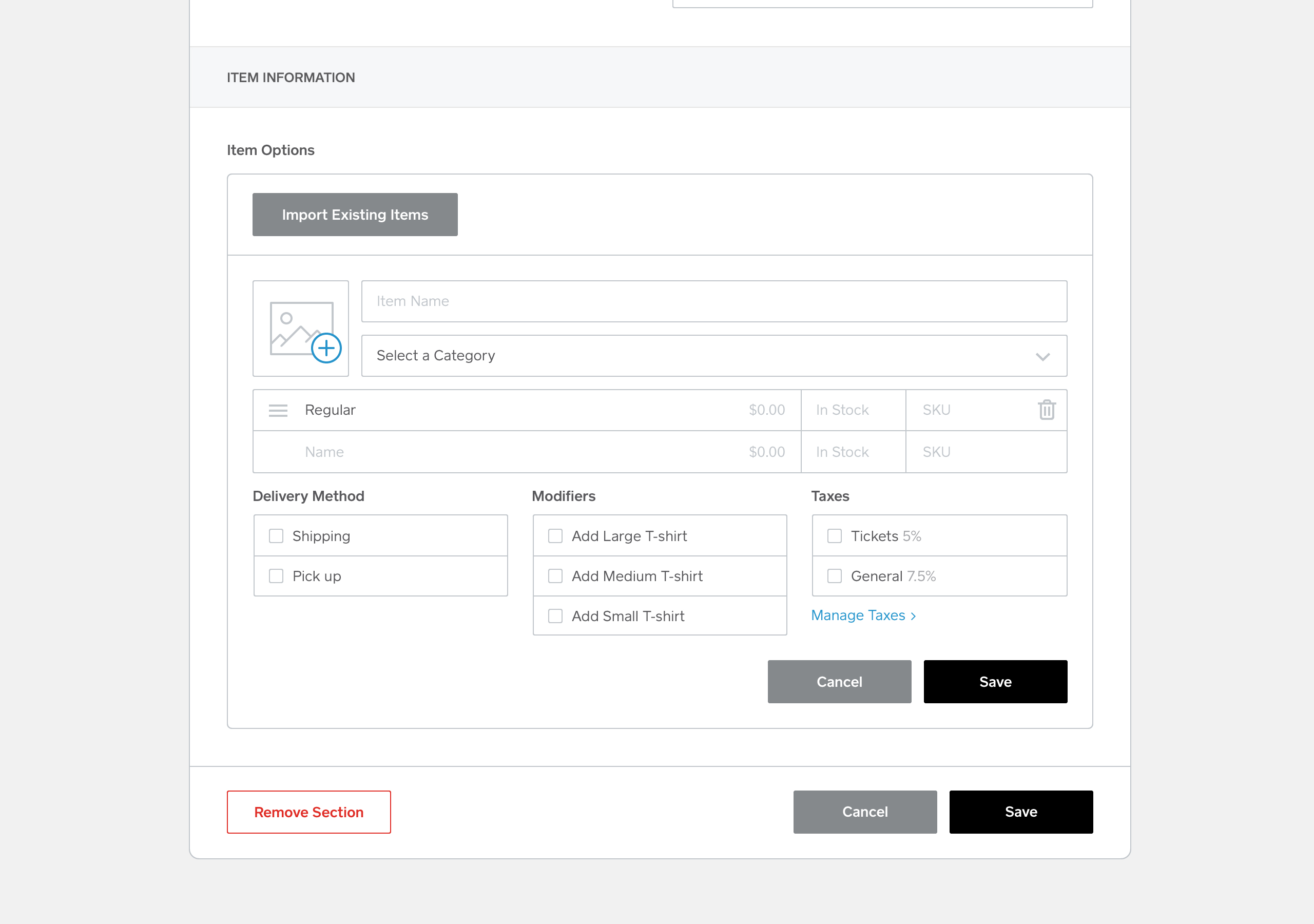
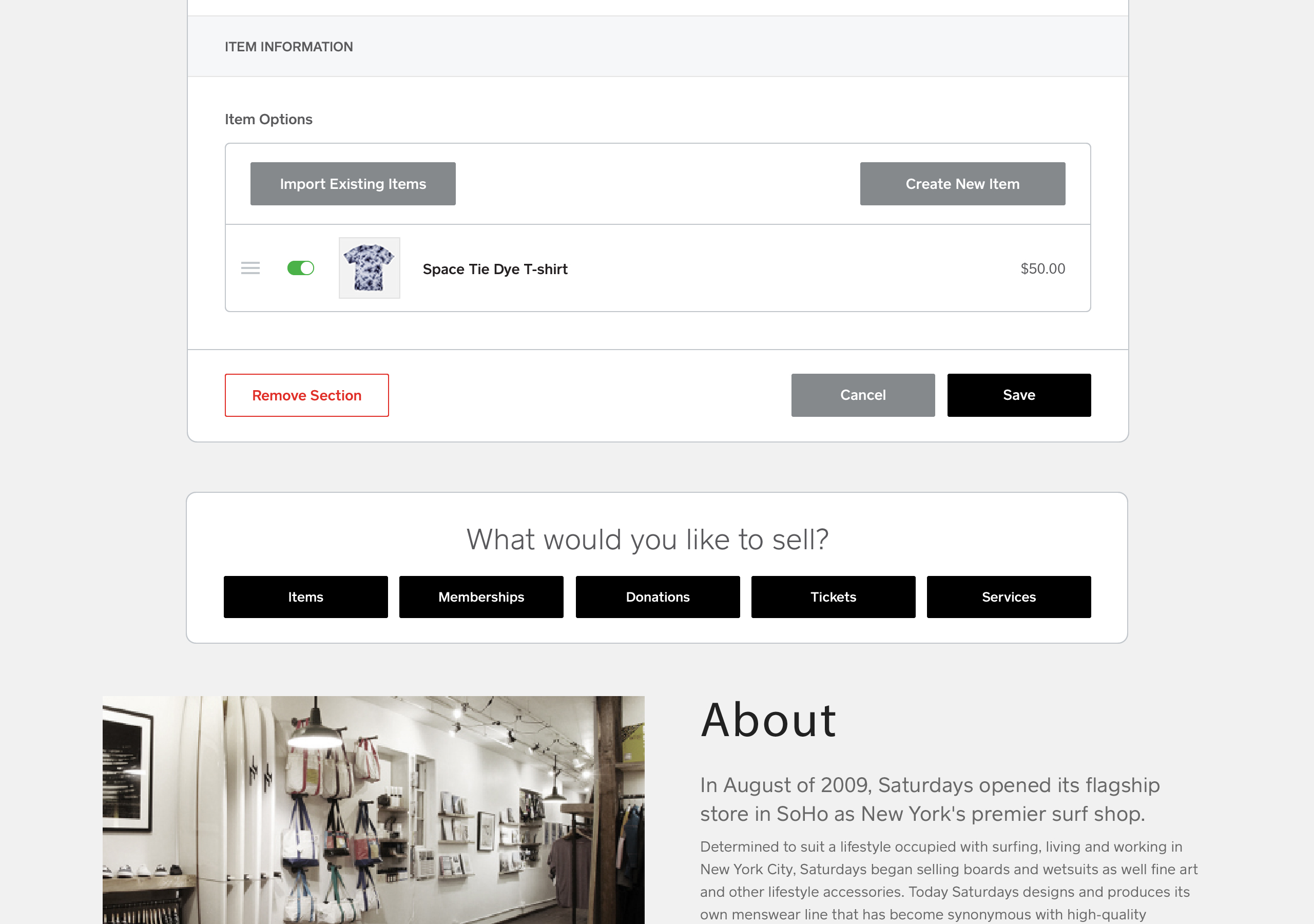
Since WYSIWYG editing wasn't possible at the time, we leveraged AJAX loading to bring editing into the page. There was an ever-present module to add more content, and manipulating the data from there was made within a form object.
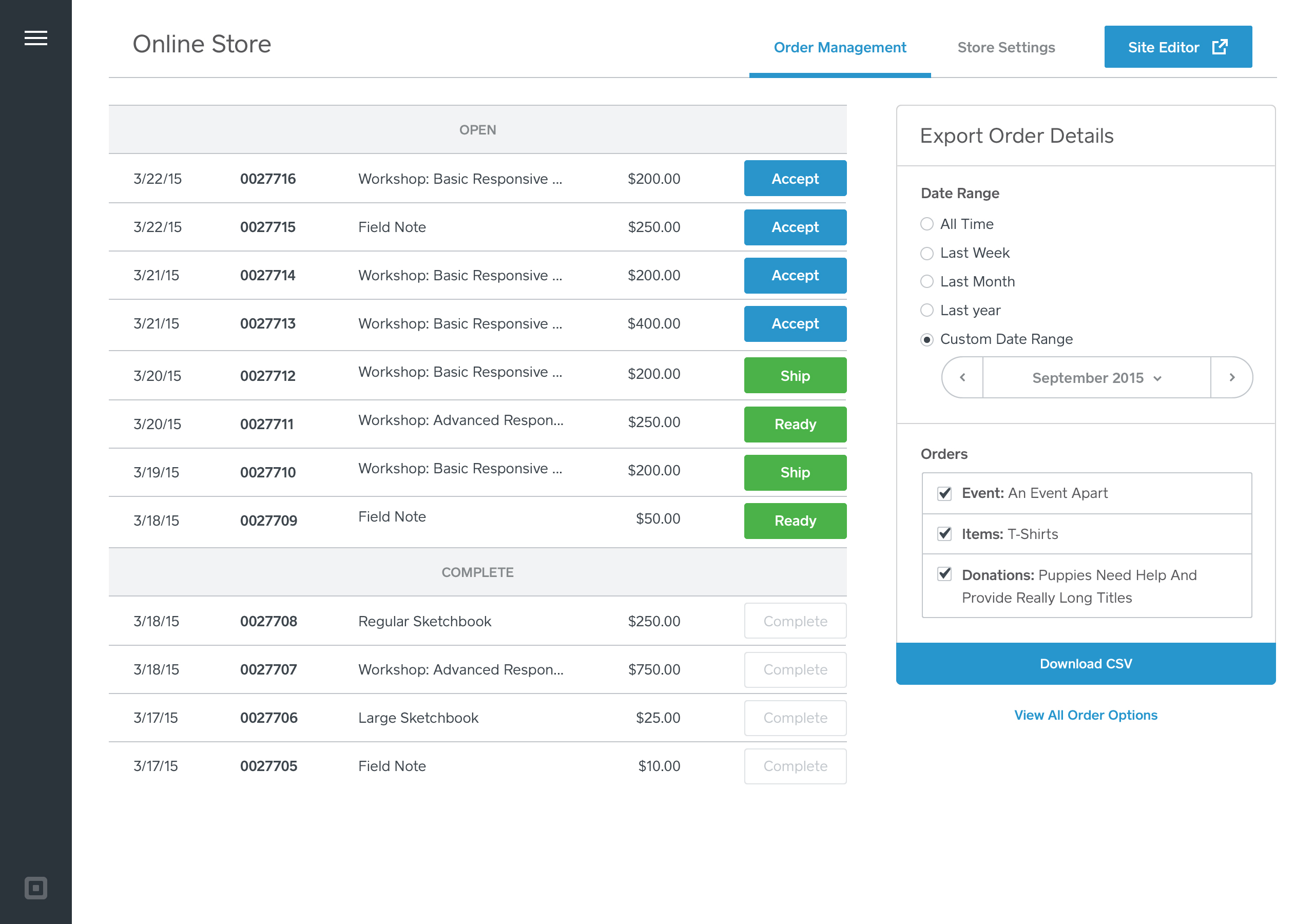
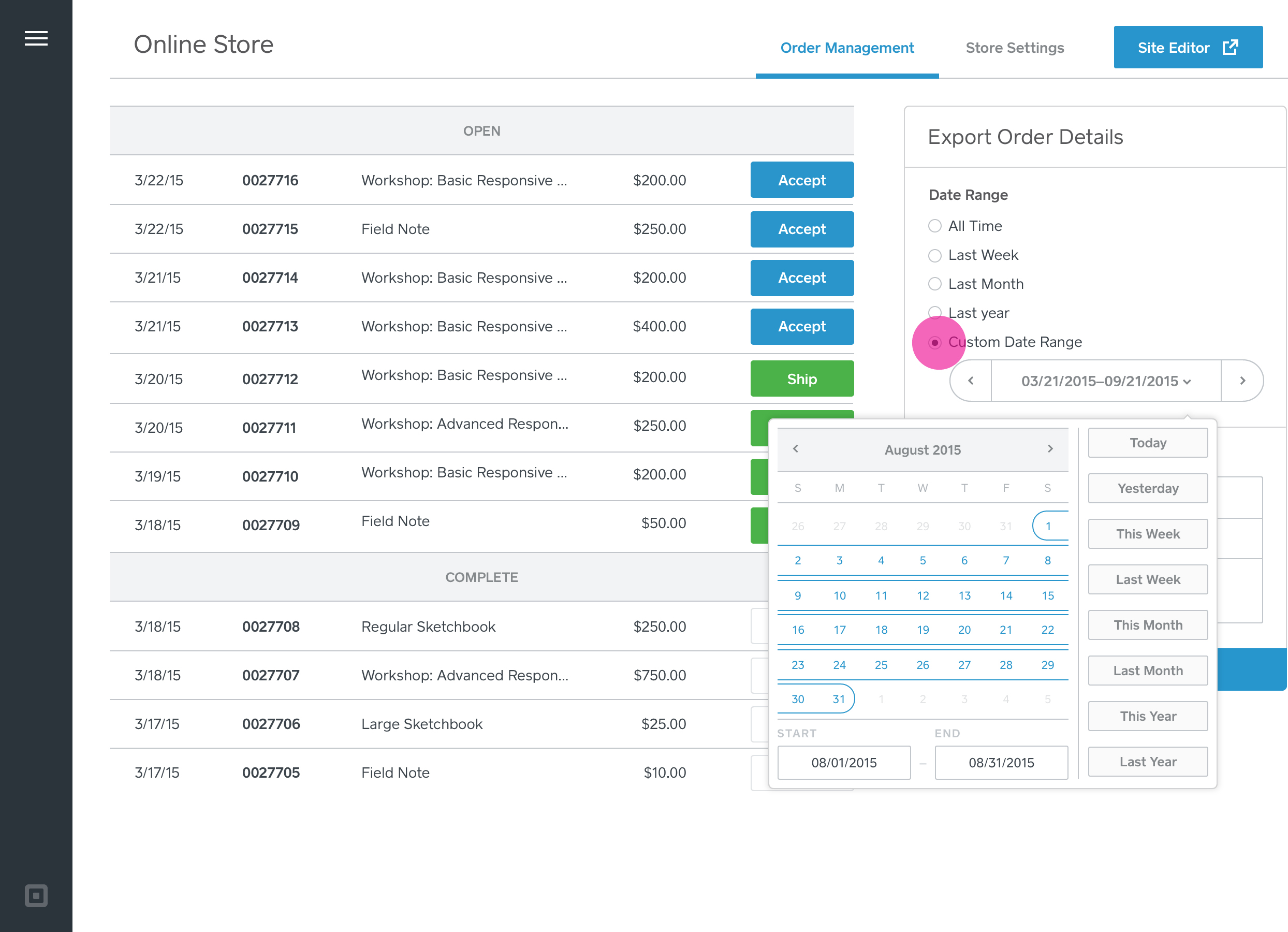
Order Management
Merchants needed a way to track, ship, and generally acknowledge what customers were purchasing.
As I began to define a new checkout flow, the staggered layout of the form elements came into question. Was there a simpler way to construct the page and allow customers to flow through with ease?
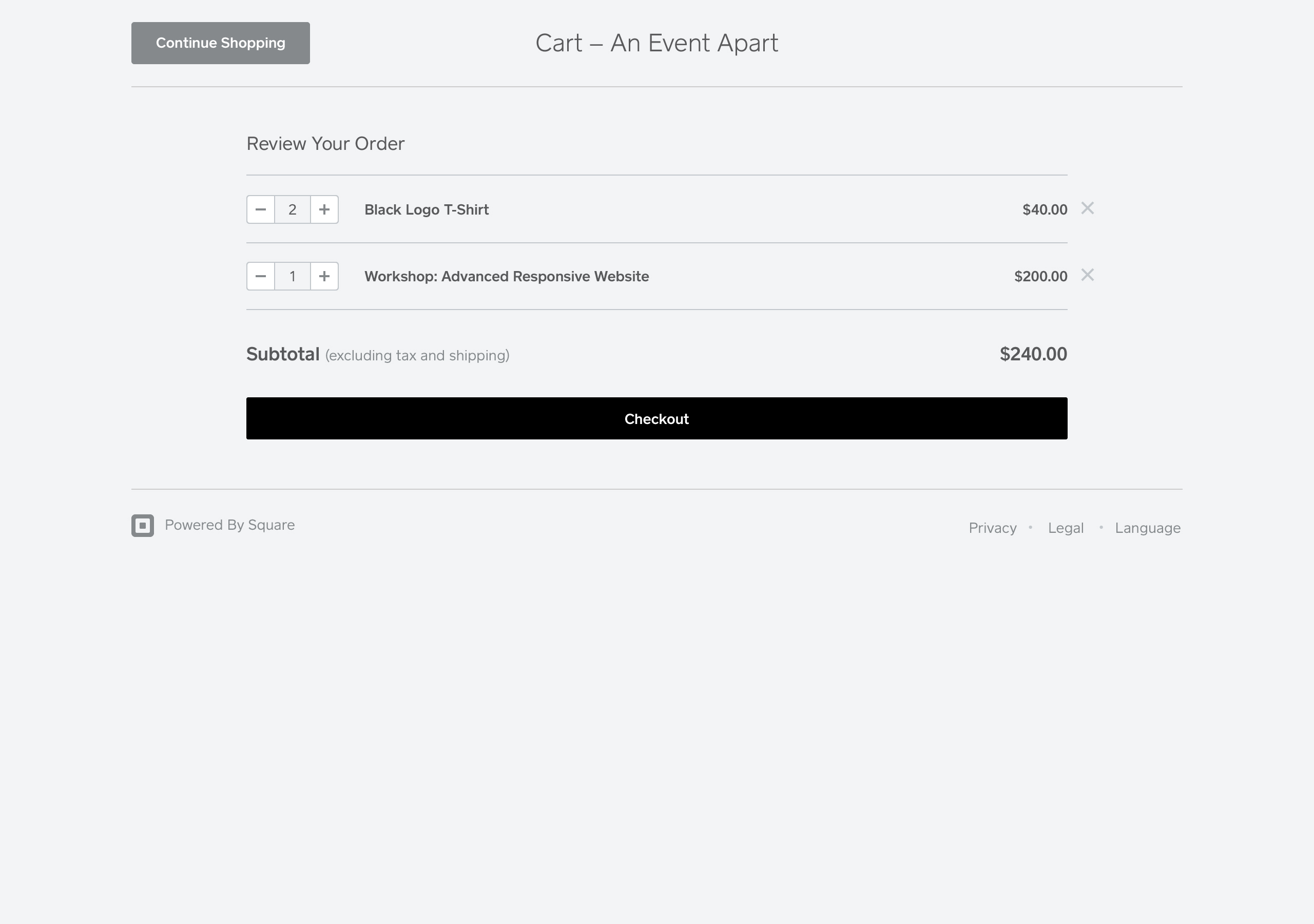
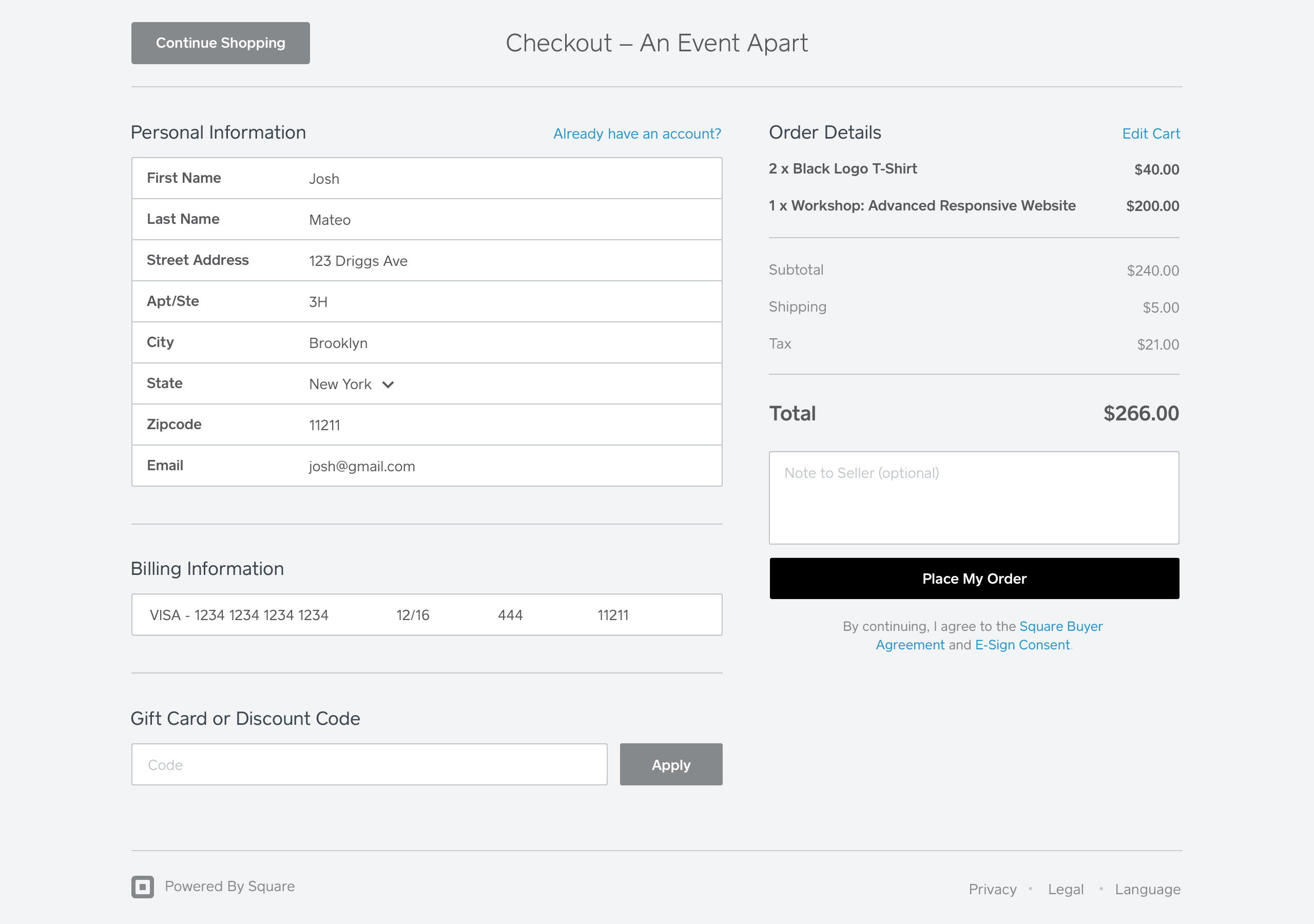
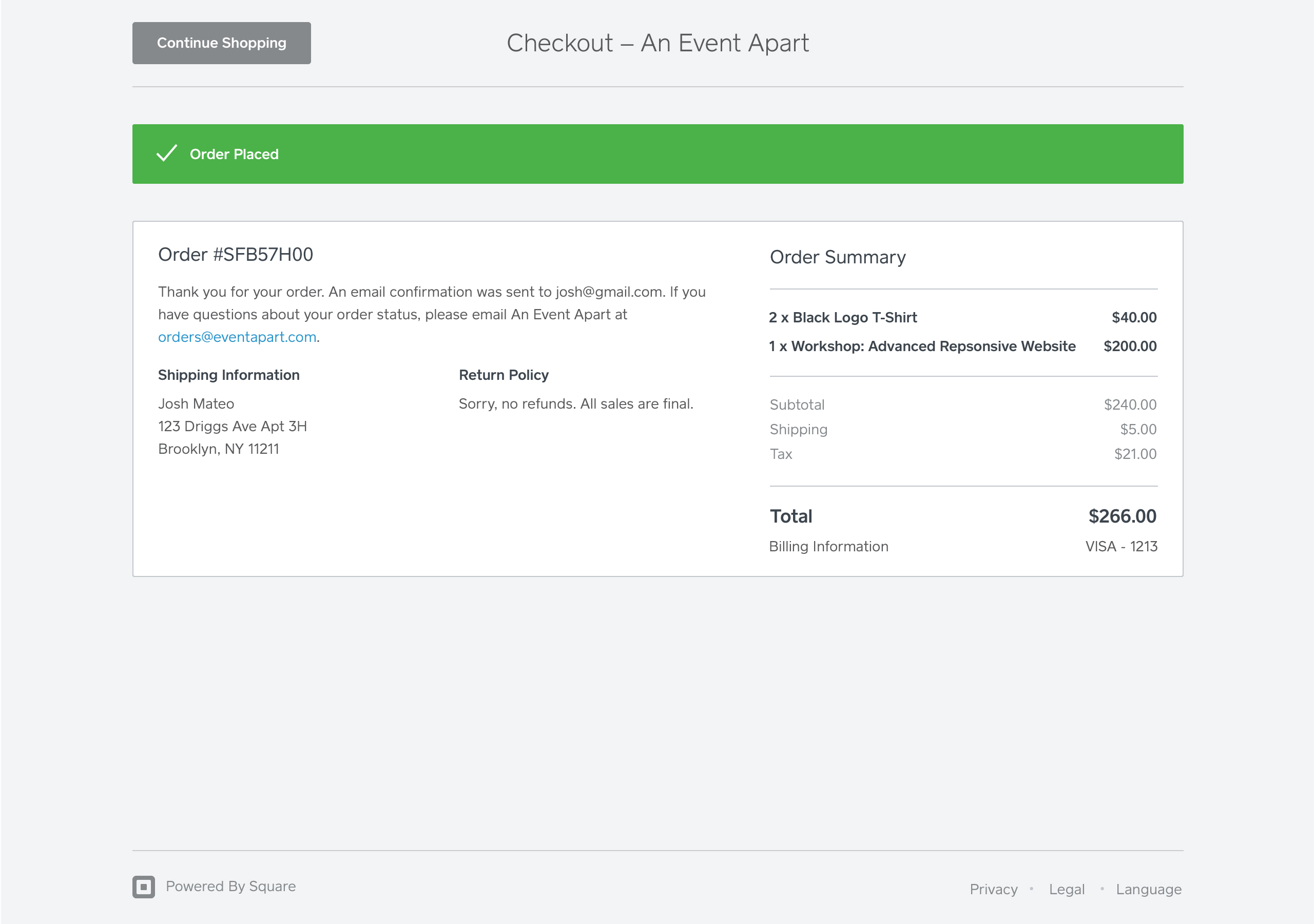
The updated visual style for order management was iterated on and reflected itself through the rest of the Dashboard ecosystem. Once an order is placed, an email will be sent to the merchant if any action is needed so they don't need to sit on the Dashboard, waiting.
Impact
Setting up an online store should only take two minutes.
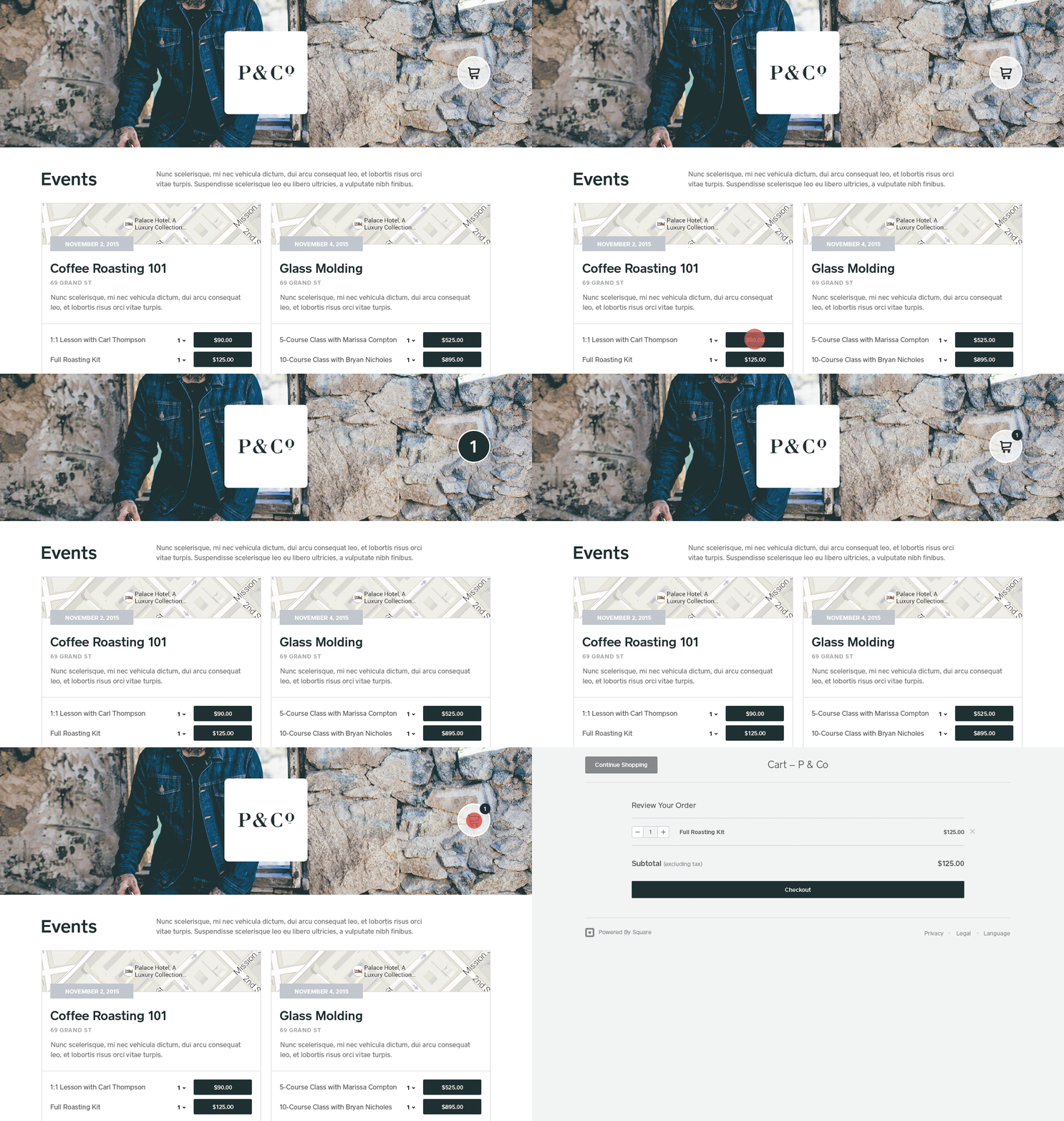
There was a large lift in usage of the online store and has been invested in to create a platform for Square Merchants.
This work also introduced the opportunity to invest in a shared design system that could leverage shared components. I began to explore how we articulate a shared design language and expose usage.
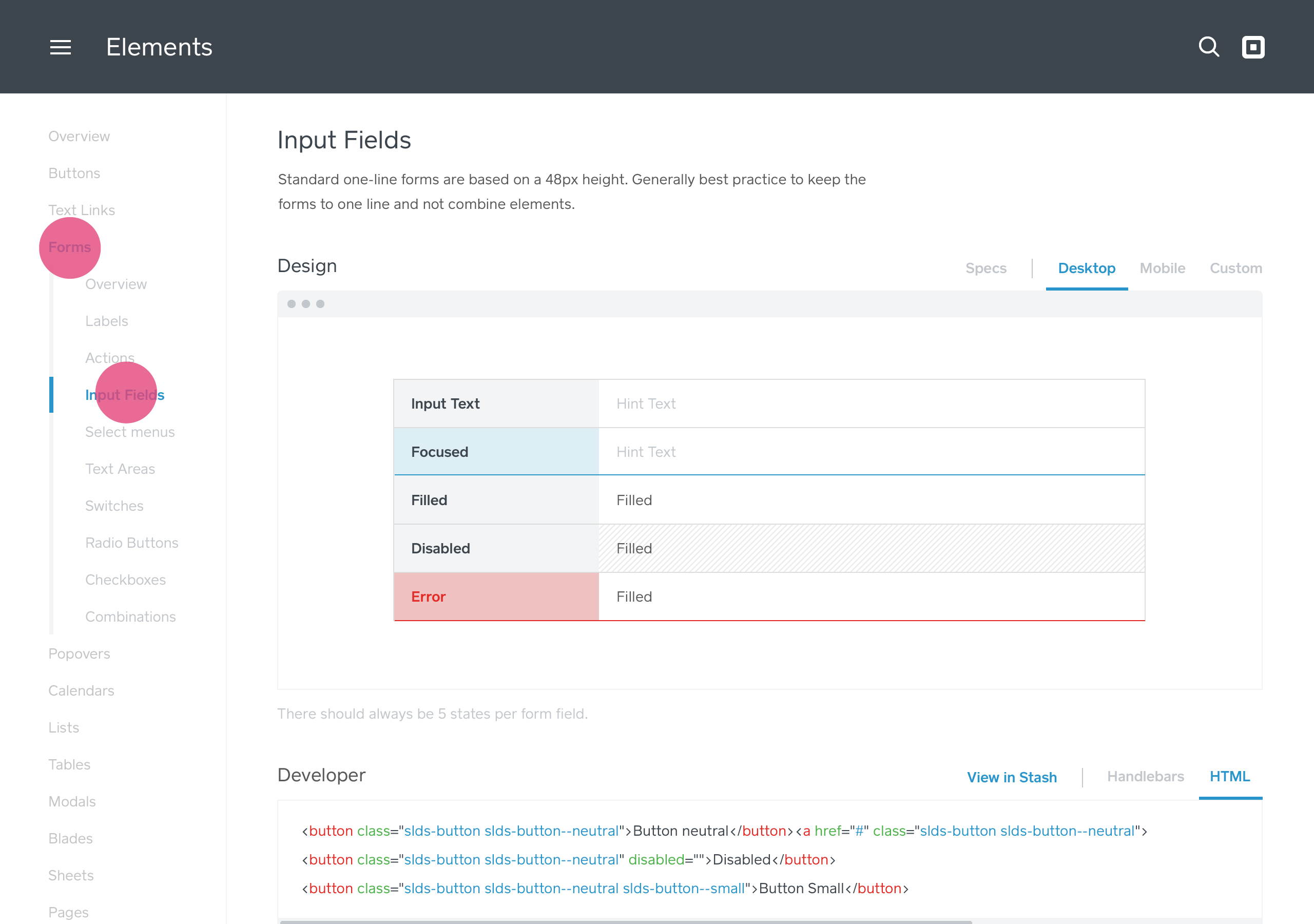
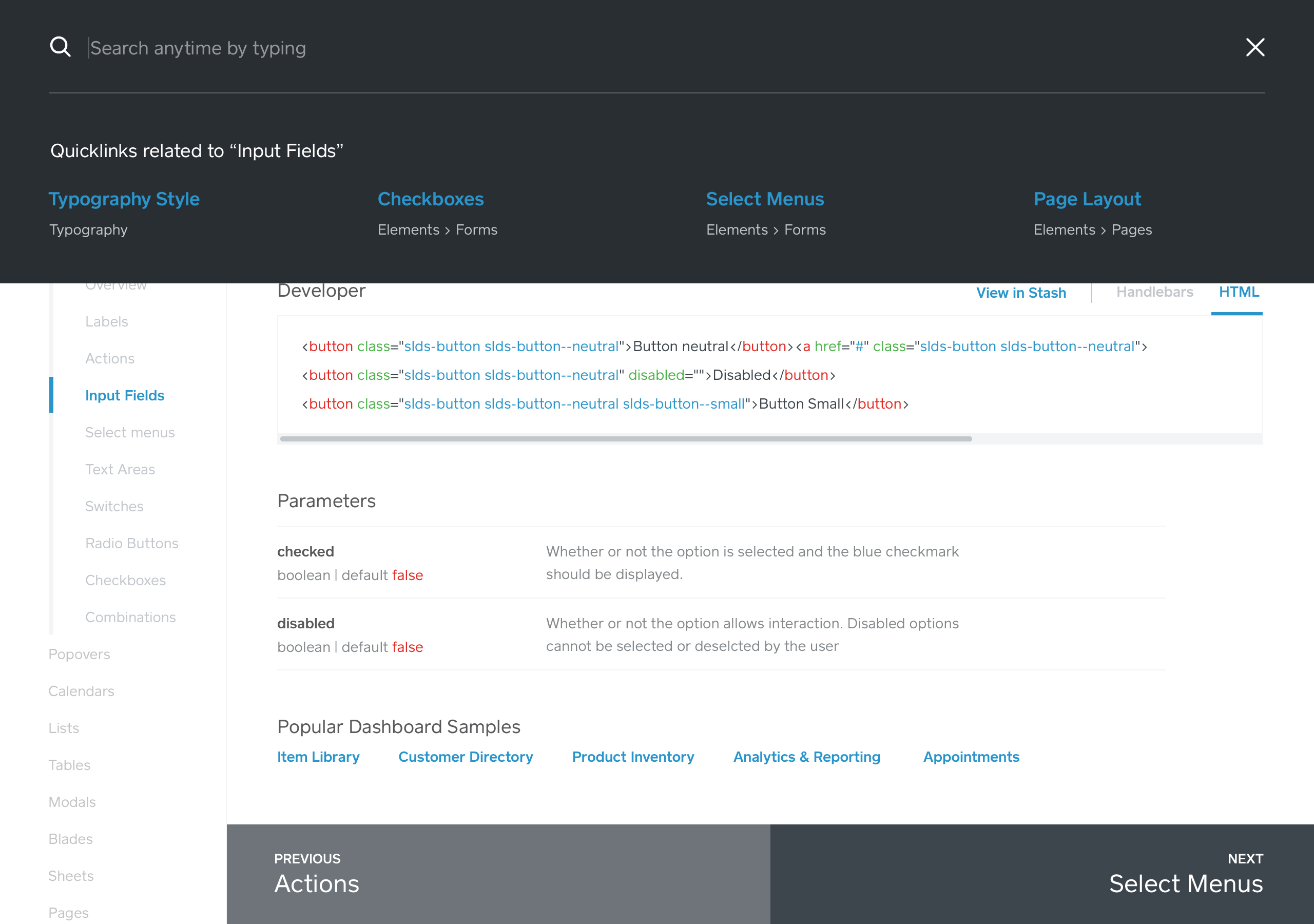
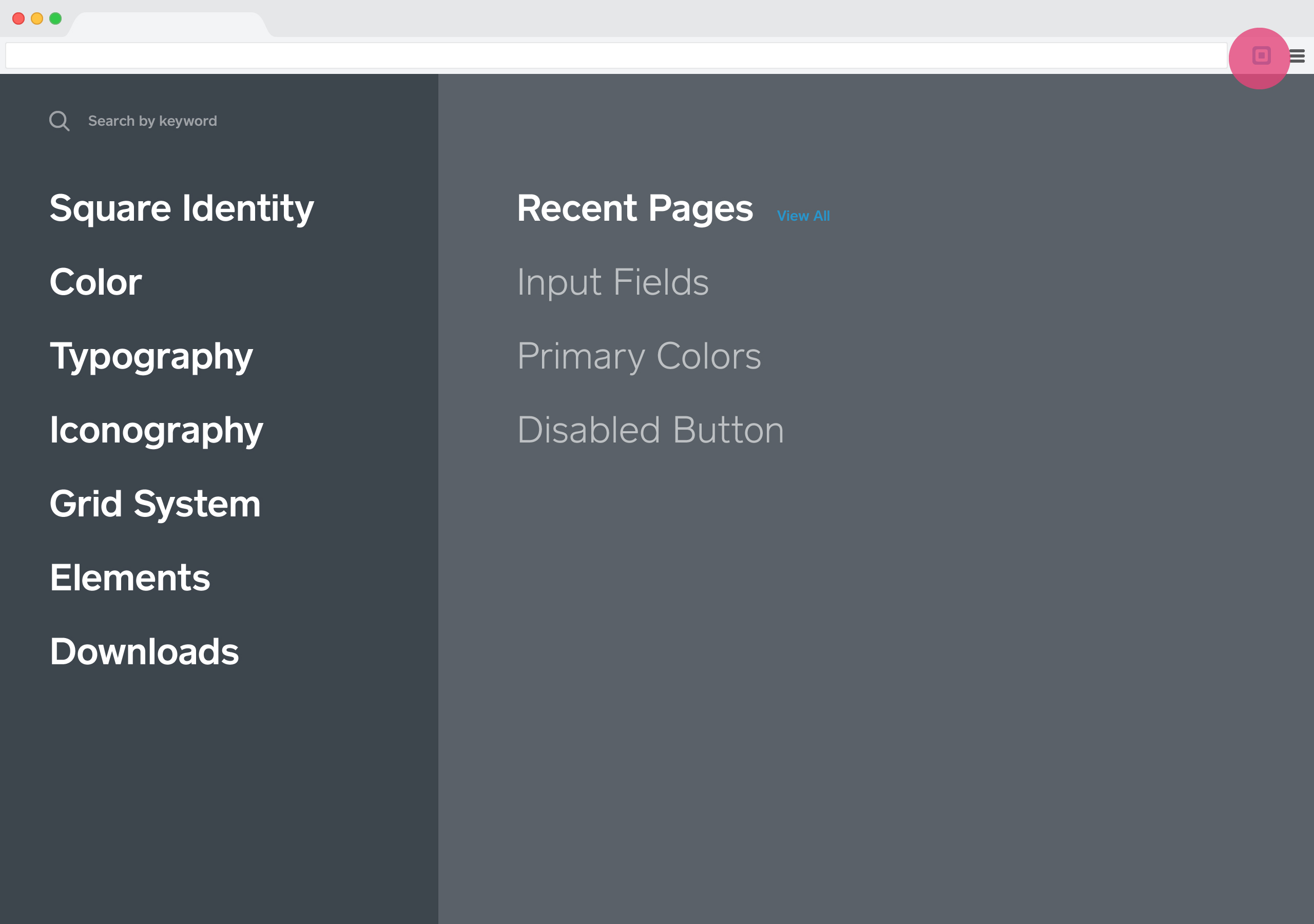
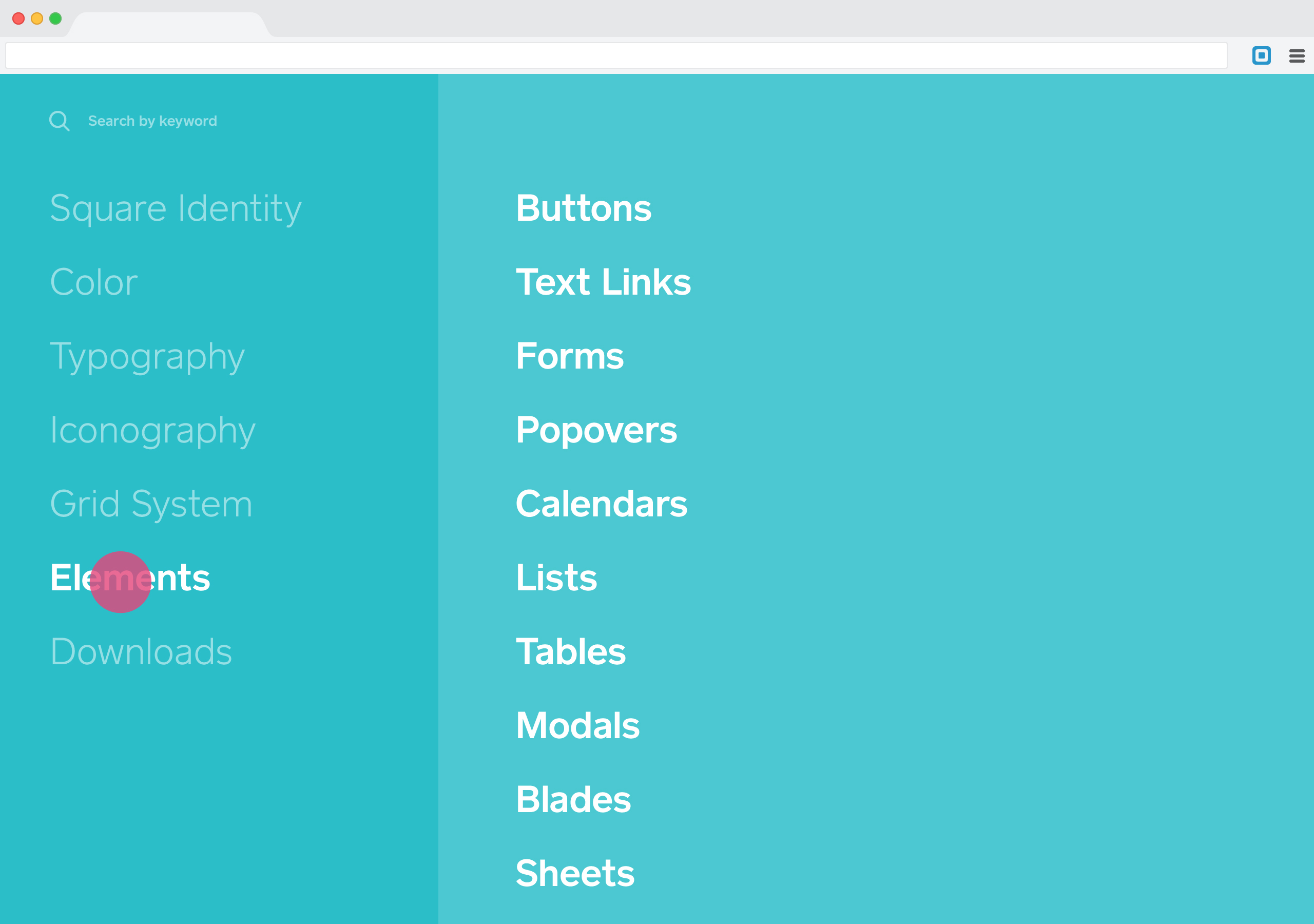
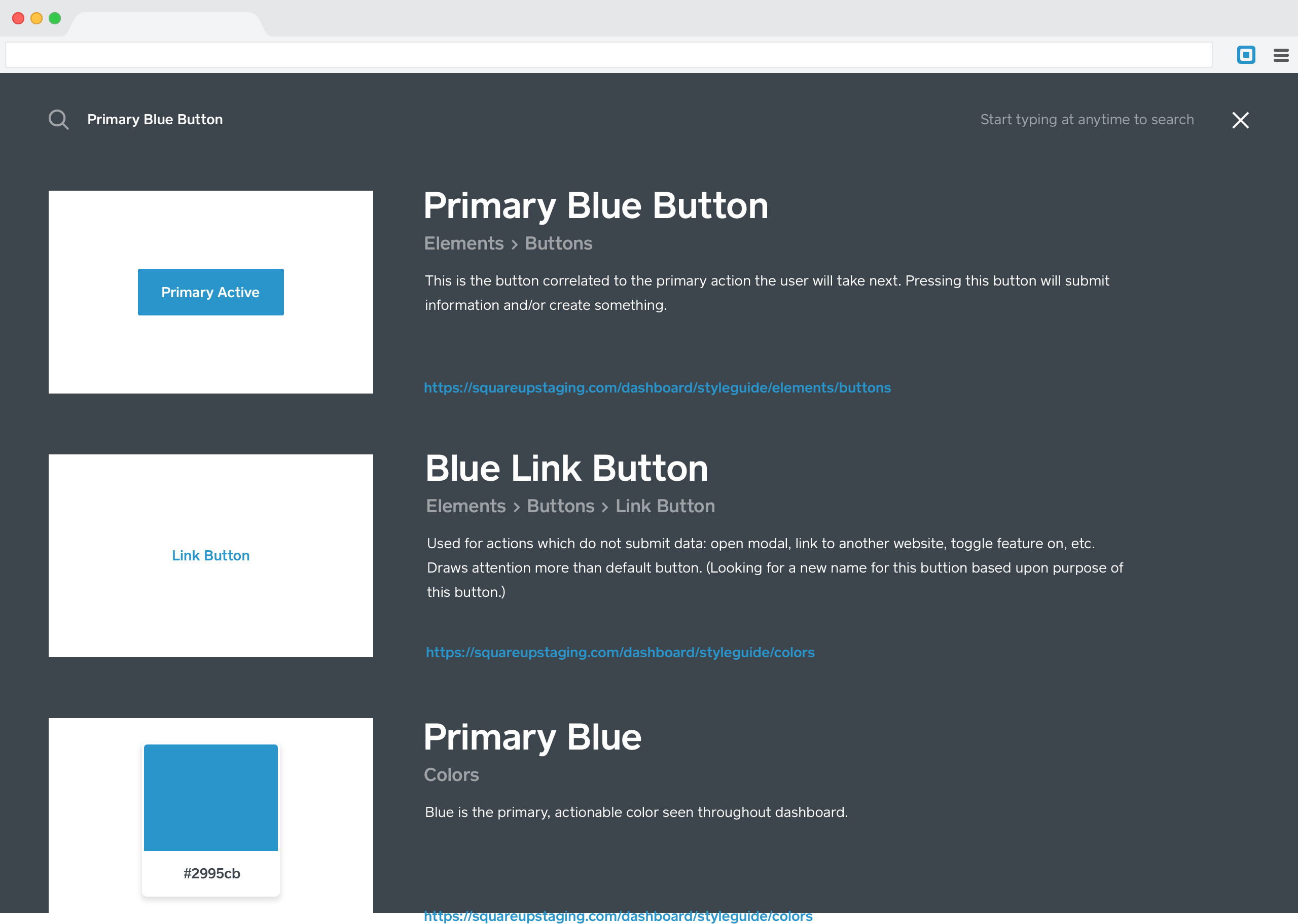
Similarly, how could we expose this context to teams? Could we build custom extensions in Chrome that help designers and engineers go through their live products and jump into relevant documentation?
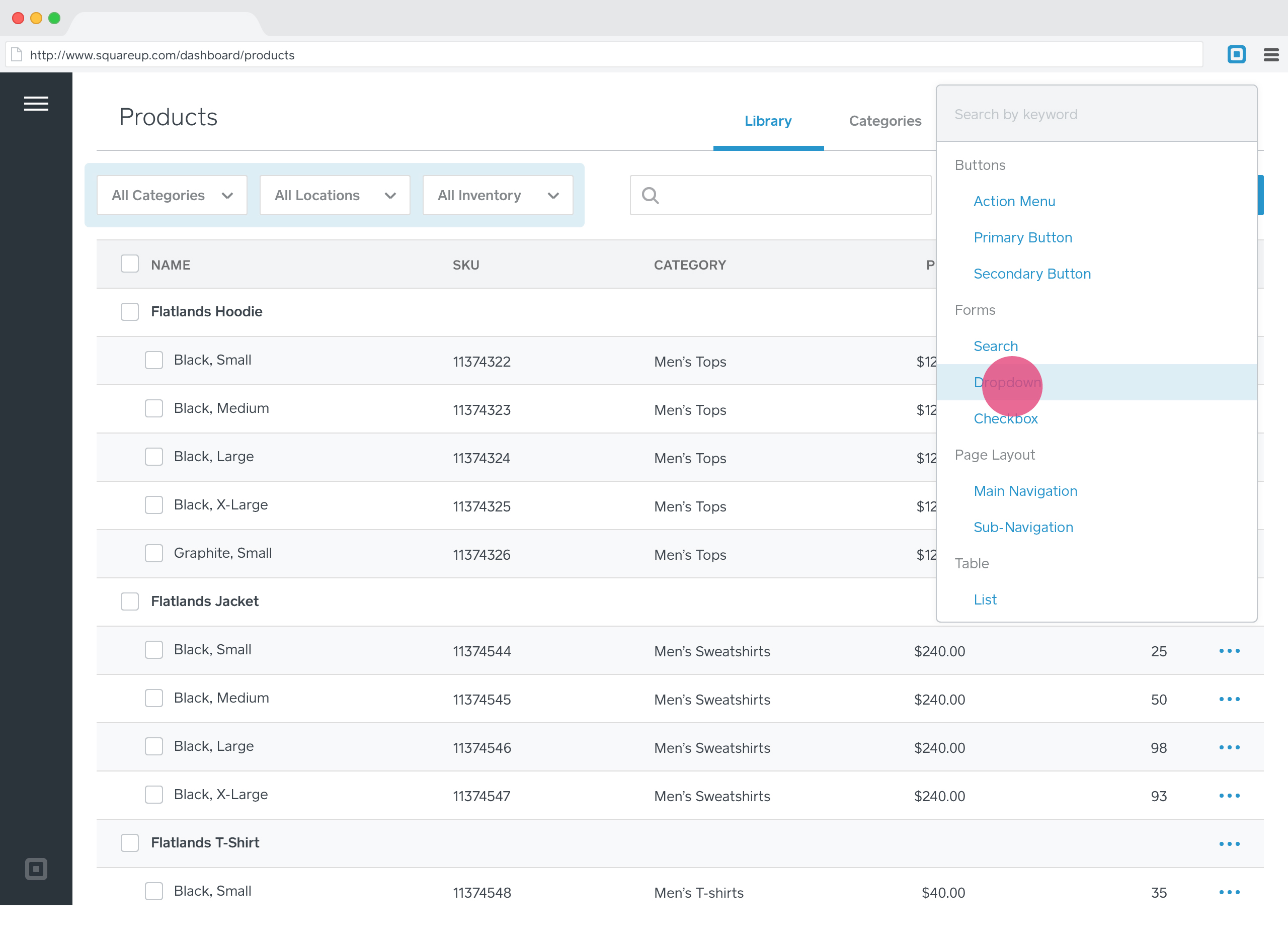
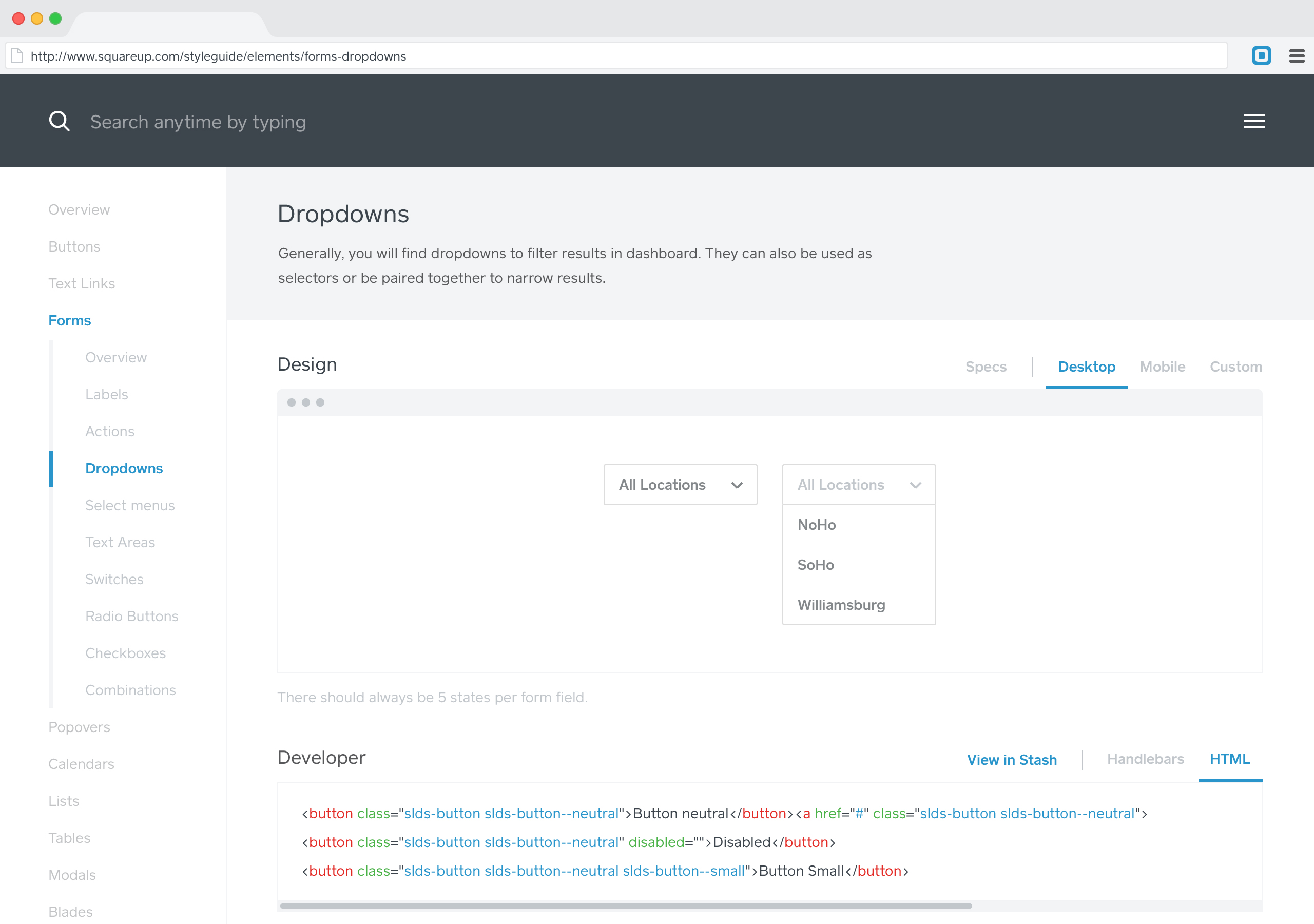
Could that be related to a style guide search system? This could repurpose the site's search functionality as a Chrome extension.